_Photo by Hello I'm Nik on _Unsplash
You might run into the following error after deploying a single page React site using React Router to Netlify.
Page Not Found
Looks like you've followed a broken link or entered a URL that doesn't exist on this site.

Error message on Netlify
How did the error occur?
React Router handles routing on the client side (browser) so when you visit non-root page (e.g. https://yoursite.netlify.com/else), Netlify (server-side) does not know how to handle the route.
(As your routes are set up in the root level).
Error Code & Demo
Here is the simplest code using React Router.
| import React from "react"; | |
| import ReactDOM from "react-dom"; | |
| import { BrowserRouter as Router, Route, Link, Switch } from "react-router-dom"; | |
| import "./styles.css"; | |
| const Main = () => <h1>Main!</h1>; | |
| const Elsewhere = () => <h1>Elsewhere!</h1>; | |
| function App() { | |
| return ( | |
| <Router> | |
| <div> | |
| <nav> | |
| <ul> | |
| <li> | |
| <Link to="/">Main</Link> | |
| </li> | |
| <li> | |
| <Link to="/else">Else</Link> | |
| </li> | |
| </ul> | |
| </nav> | |
| <Switch> | |
| <Route path="/" exact component={Main} /> | |
| <Route path="/else/" component={Elsewhere} /> | |
| </Switch> | |
| </div> | |
| </Router> | |
| ); | |
| } | |
| const rootElement = document.getElementById("root"); | |
| ReactDOM.render(<App />, rootElement); |
And the error occurring on Netlify when you go to https://<netlify domain>/else directly.
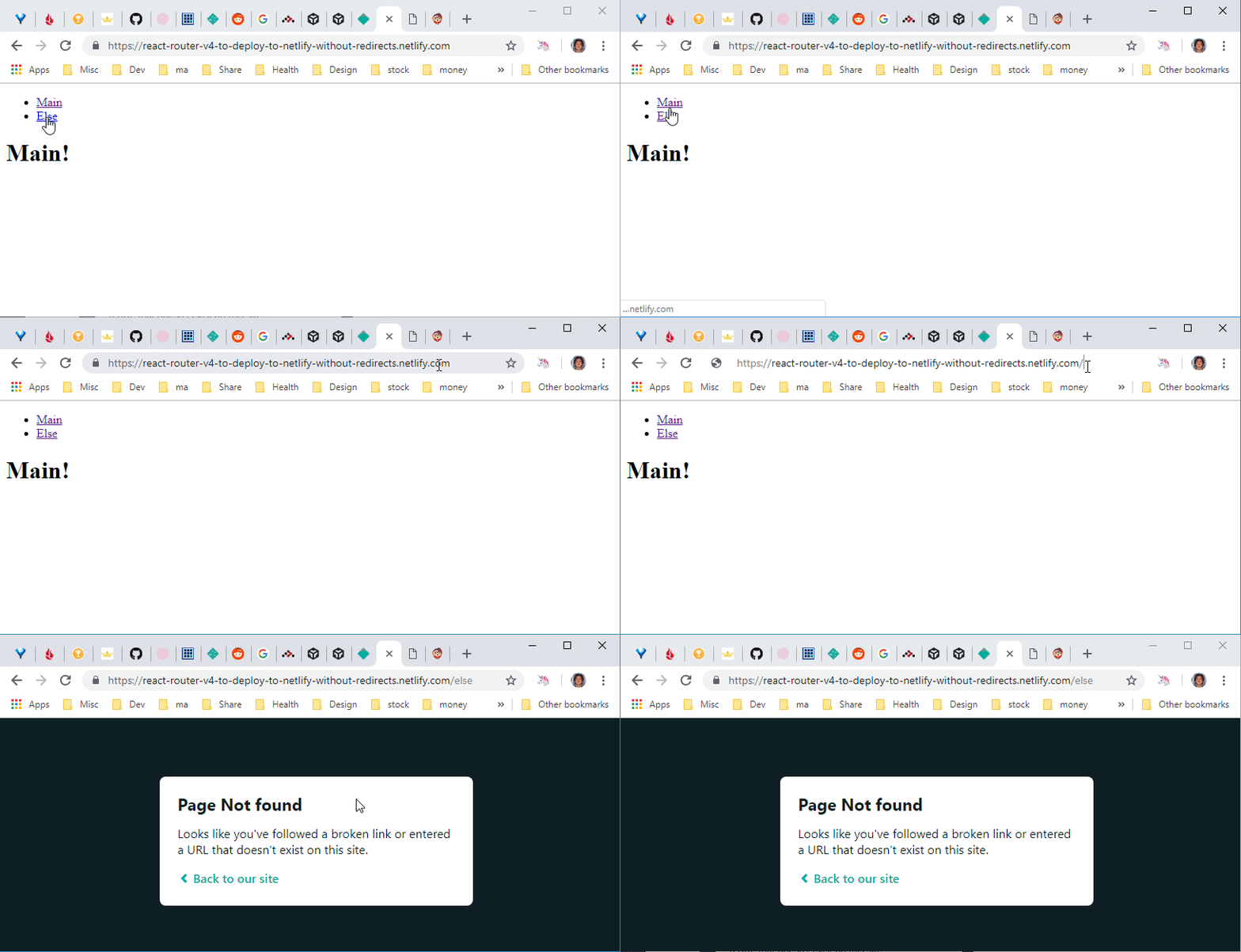
Page Not Found Demo
How can we fix it?
Netlify offers a special file, _redirects, which you can add to your code base and let Netlify handle how to handle the URL that is not handled on the client-side.
Netlify documentation has a section, History Pushstate and Single Page Apps, which shows you how to redirect to the root of your SPA URL (but doesn't mention React Router, as it applies to other client-side frameworks/libraries).
So to fix the issue, we need to create a file named _redirects to the root of your site with following content.
| /* /index.html 200 |

_redirect static file
Change _index.html_ accordingly to match the SPA root.
Here is the working site.
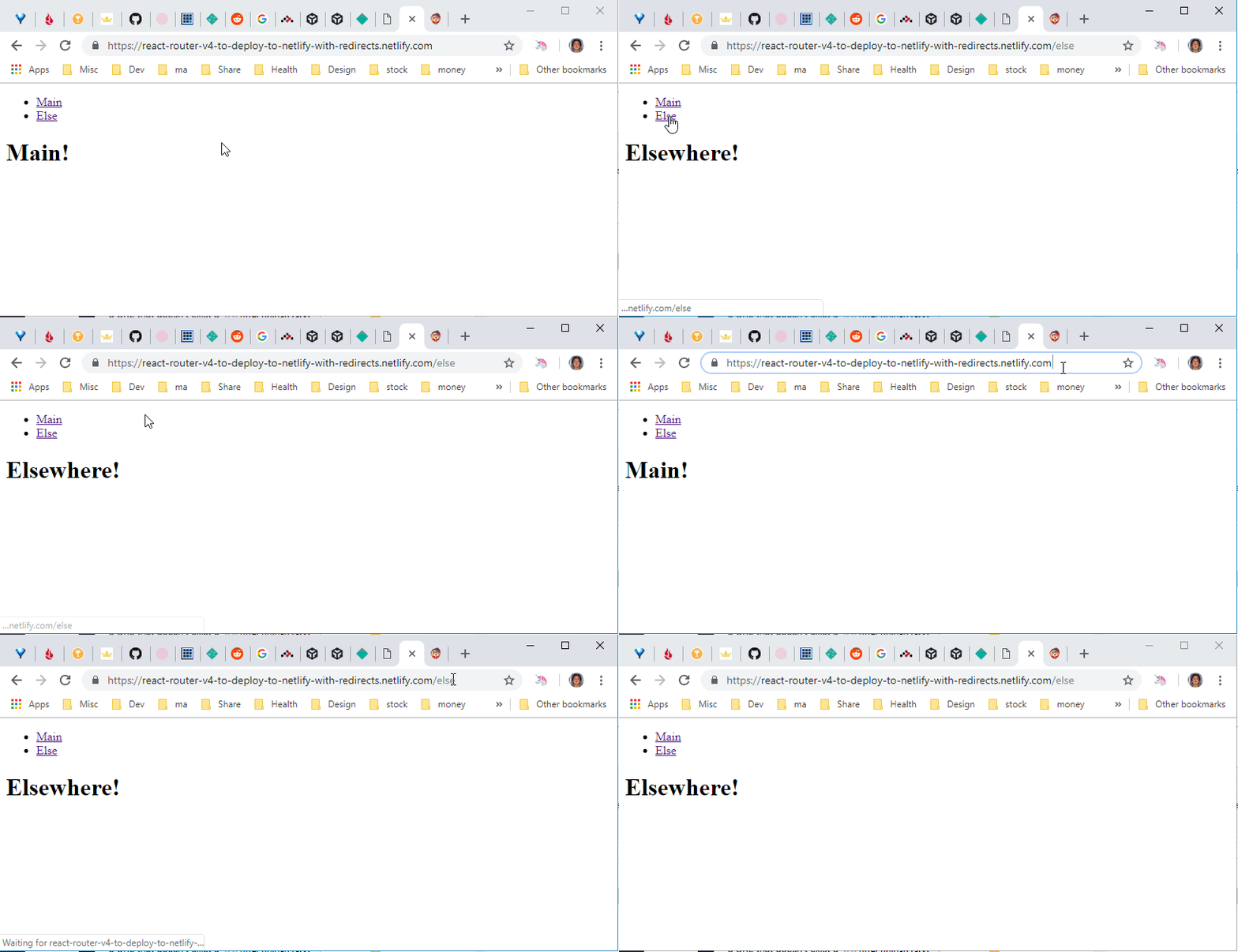
Netlify successfully redirected to the SPA root
For more ways & restrictions for redirect, check out the official Netlify documentation.
Resources
- Where I found out the answer - How do you handle frontend routing with Netlify and React Router v4? on Reddit.
- _redirects Netlify documentation for SPA.
- Source code with _redirects file.
- Source code without _redirects file.
- Netlify site with _redirects file.
- Netlify site without _redirects file.